Quick answer: On many window air conditioners, Energy Saver mode stops or cycles the indoor fan when the compressor is off. This may save fan electricity, but it does not automatically make the compressor more efficient. To reduce overall cooling costs, use a comfortable temperature, keep heat out of the room, maintain clear airflow, and compare actual electricity use in kWh. The exact mode behavior depends on the model.
What Does Energy Saver Mean on an Air Conditioner?
On many window AC units, Energy Saver mode turns the indoor fan off when the compressor stops cooling. Some models restart the fan briefly to check room temperature. Your unit may work differently, especially if it is portable, split, or central. Check the manual for your model.
Energy Saver mode is a control setting on an air conditioner. It is different from the yellow U.S. EnergyGuide label, which uses standardized energy information to help compare appliances and may include estimated operating costs.
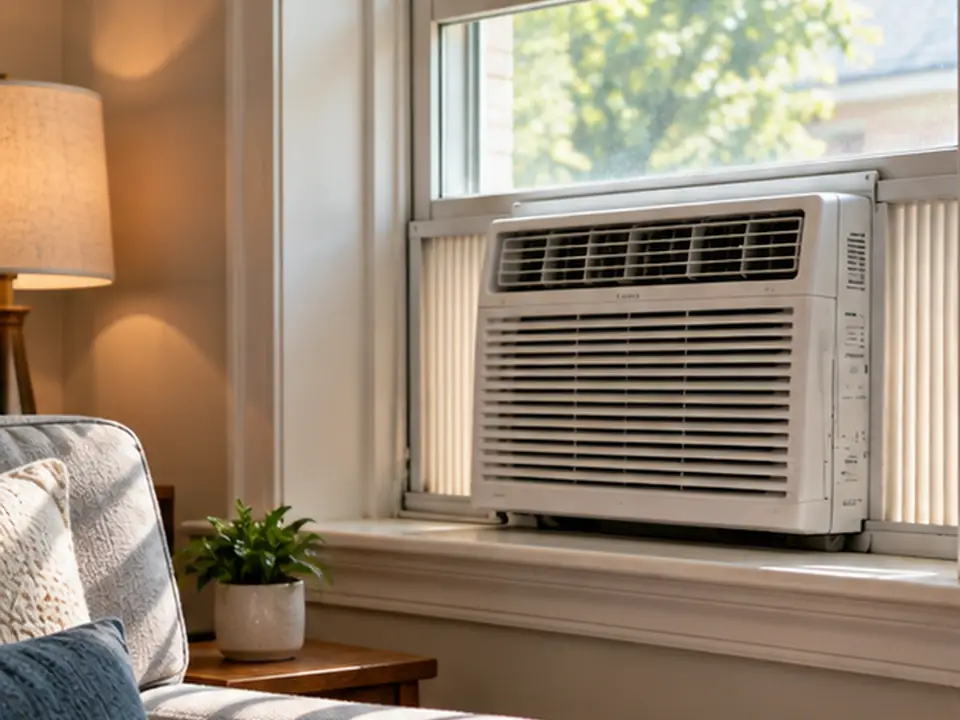
In normal Cool mode, some fixed-speed window units keep the fan running after the compressor stops. That fan still uses electricity. Energy Saver mode can reduce the time it runs. The trade-off is less air moving around the room, so a corner far from the unit may feel warmer than the air near its sensor. This is a way of controlling the fan, not a separate efficiency rating or proof that the compressor uses less energy.
Some window air conditioners briefly restart the indoor fan to check room temperature even while the compressor stays off. Frigidaire and TCL describe this behavior in their room-AC instructions, but the timing and sequence depend on the model. A short fan restart is not, by itself, evidence of a fault. ENERGY STAR room-air-conditioner criteria also describe energy-saving controls that limit fan operation while the compressor is off. If your remote shows Eco, Energy Saver, or a leaf symbol, check the instructions for your exact model rather than assuming every unit follows the same cycle.
How Do You Turn On Energy Saver Mode?
On units that offer it, select Energy Saver, Econ, or Eco using the control panel or remote as described in the owner’s manual. The name and behavior vary by model.
- Find the model number and check which operating modes your AC supports.
- Choose the documented setting using the normal controls, and confirm the display or indicator changes.
- After the room reaches the set temperature, observe whether the fan stops, briefly restarts, or keeps running. Compare that pattern with the instructions for your model.
If there is no Energy Saver setting, do not assume Auto fan performs the same function. Do not open the unit or bypass its controls to test the mode.
How Is Energy Saver Different From Cool, Auto, Sleep, and Dry Modes?
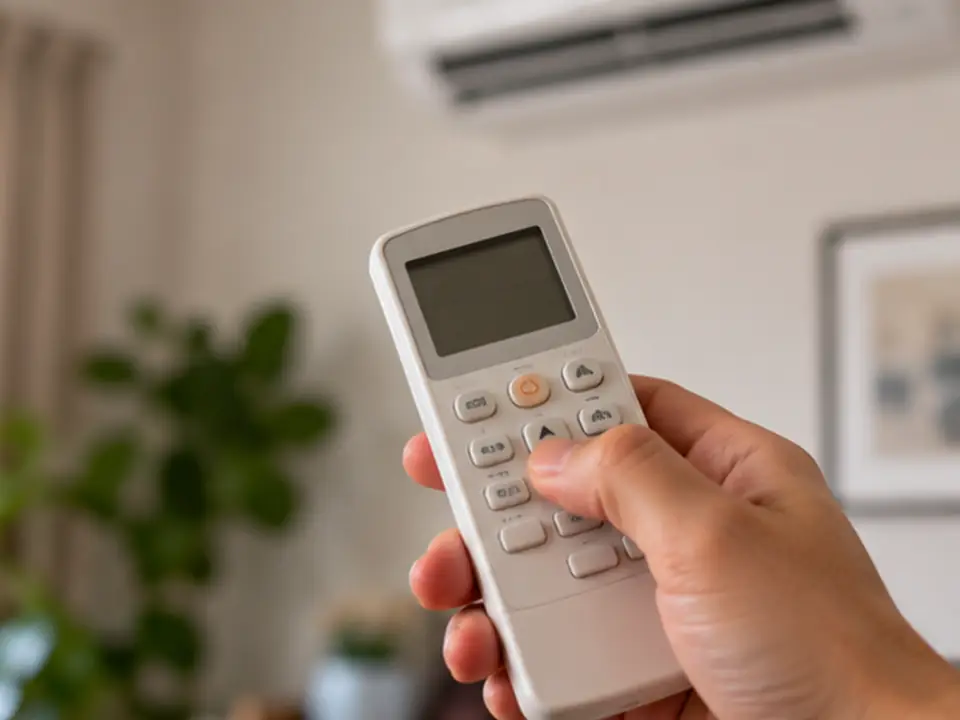
These modes do different jobs. Cool aims to hold the set temperature. Energy Saver may stop the fan between cooling cycles. Auto can change fan speed or operating mode. Sleep changes settings over time, while Dry focuses on removing moisture. The details vary by model, so check what your remote actually controls.
| Mode | What it usually does | What to check on your model |
|---|---|---|
| Cool | Cools the room to the set temperature | Does the fan keep running after the compressor stops? |
| Energy Saver / Econ | On many window units, stops or cycles the fan when cooling pauses | Does fan cycling affect comfort or the temperature reading? |
| Auto fan | Adjusts indoor fan speed automatically while the selected operating mode remains active | Does Auto adjust only fan speed on this model? |
| Auto mode (if available) | May switch cooling or fan operation according to room conditions | Which functions can your unit change automatically? |
| Sleep | Changes settings over the night | How does the setpoint change, and when does the timer end? |
| Dry / Dehumidify | Focuses on removing moisture | How does it control room temperature and electricity use? |
| Fan only | Moves room air without compressor cooling | It does not actively cool or dehumidify the room |
Which mode should you try first? Start with how the room feels and how your unit works:
- If the room remains comfortable and the fan has time to stop between cooling calls, try Energy Saver and compare whole-unit kWh.
- If the far end of the room gets warm or repeated fan stops are disruptive, compare normal Cool at the same set temperature.
- If the room feels clammy even when the temperature looks right, check indoor humidity and your model’s Dry or dehumidification controls before assuming a different fan setting will solve it.
Auto does not always mean the same thing. It may set the fan speed, or it may let the unit choose between operating modes. An inverter mini-split‘s Eco setting may also limit how hard the compressor works or change the temperature target. Watch what the fan and compressor do after the room reaches the setting, then check that behavior against the owner’s manual.
If parts of the room become too warm, the air feels humid, or the mode is uncomfortable, try normal Cool. Keeping air moving may also matter when a system is designed to provide continuous circulation, filtration, or ventilation. Do not turn off a required airflow setting just to save fan electricity.

Does Energy Saver Mode Really Save Electricity and Money?
Yes, Energy Saver can reduce electricity use on some air conditioners. On many window models, the main saving comes from running the fan for fewer hours while the compressor is off. How much you save depends on the fan, weather, cooling demand, and what the mode actually changes. There is no reliable percentage that applies to every unit.
You can estimate the fan electricity avoided with this formula: fan watts ÷ 1,000 × hours the fan stays off = kWh saved. For example, if a 60 W fan does not run for six hours, it avoids 0.36 kWh. At an example electricity rate of $0.20/kWh, that is about seven cents (0.36 × $0.20 = $0.072). These are illustration-only figures, not measurements of a specific AC. The compressor might run differently when air mixes less evenly, so total savings can be smaller, zero, or offset by other changes.
| What changes? | Likely impact | Important limit |
|---|---|---|
| Fan switches off when compressor stops | Reduces off-cycle fan electricity | Depends on fan wattage and off-time |
| Warmer setpoint reduces cooling demand | Can reduce compressor work | Depends on climate, loads and comfort |
| Less sun and air leakage | Reduces heat entering the room | More useful when external heat gain is significant |
| Clean filter and unobstructed airflow | Helps system operate as designed | Does not cure refrigerant or mechanical faults |
| Different mode changes compressor schedule | May increase or reduce total consumption | Requires whole-unit kWh measurement |

On a very hot day, especially when direct sunlight heats the room, the compressor may run almost nonstop. That leaves little time for Energy Saver to switch the fan off. On a milder day, a correctly sized window unit may stop cooling more often, so fan cycling can matter more. If sun is adding heat, first use suitable shades without blocking airflow. Then compare whole-unit kWh and room comfort under reasonably similar conditions rather than assuming a fixed saving.
What Temperature Should You Set an Energy Saver Air Conditioner To?
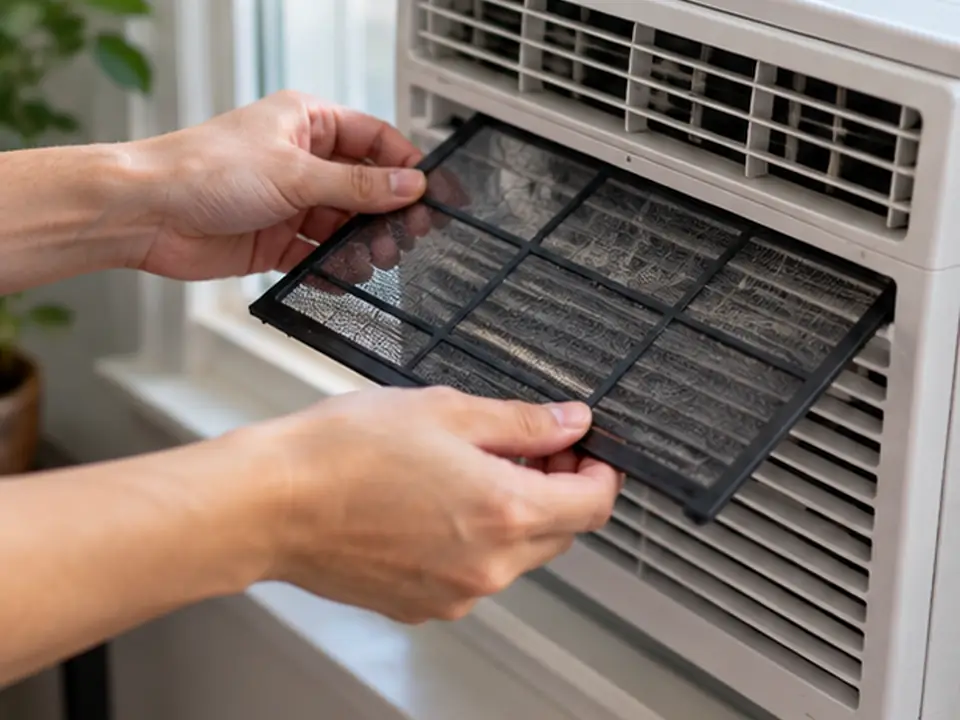
Set the air conditioner as warm as you can while still feeling comfortable and keeping indoor moisture under control. For some occupied U.S. homes, 78°F (26°C) is a reasonable setting to try first—not a temperature everyone must use. Adjust it for comfort, humidity, the weather, activities, and any health-related cooling needs.
| Situation | Starting action | Recheck if… |
|---|---|---|
| Occupied room, moderate conditions | Start with a comfortable setpoint and raise it gradually if acceptable | Hot spots or high humidity appear |
| Very humid weather | Track indoor relative humidity as well as temperature | Air feels clammy or moisture persists |
| Room empty for an extended period | Use an appropriate setback or schedule | People, pets, equipment or moisture risks require tighter control |
| Peak afternoon sun | Close suitable blinds and limit avoidable heat gains | Overheating continues despite reasonable settings |
| Bedroom at night | Test a comfortable sleep schedule | Sleep quality, noise or humidity worsens |
Setting a conventional fixed-speed AC far colder than needed generally makes it run longer; it does not increase its maximum cooling rate. If the unit cools the room quickly but switches on and off in short bursts, that is called short cycling. During humid weather, short cooling runs may leave too little time for moisture removal even when the temperature looks fine. Check indoor humidity and operating cycles before assuming that a colder setting or Energy Saver mode will fix the problem. If the pattern continues, check sizing and airflow with a qualified professional. Do not raise the setpoint so far in humid weather that the room remains clammy.
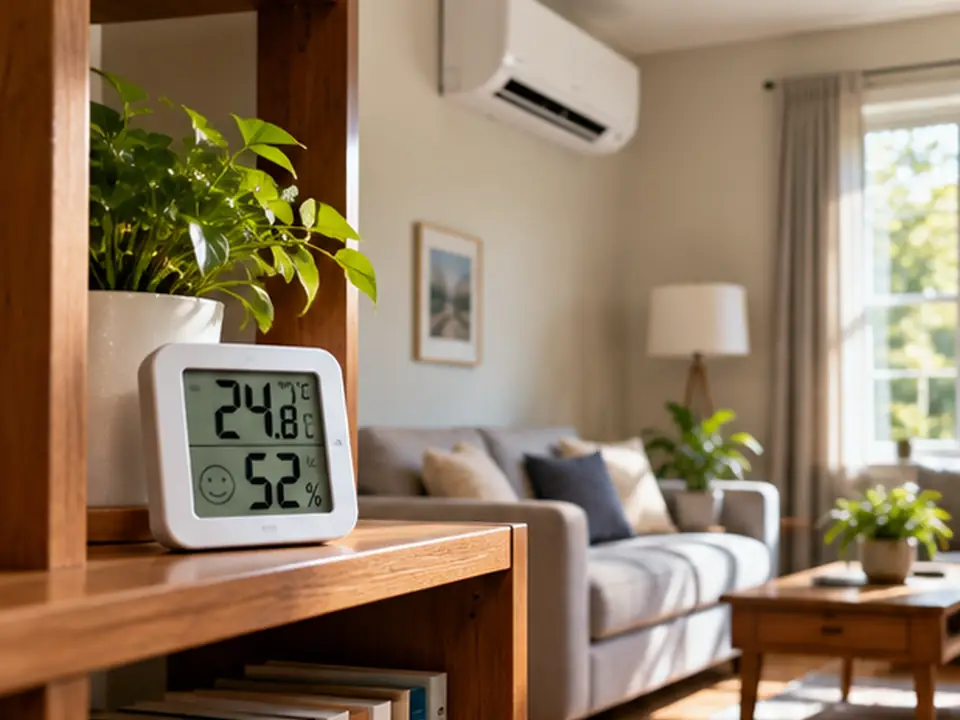
Check the temperature where people sit or sleep, not only on the AC display. If Energy Saver keeps the indoor fan off for long periods, a separate thermometer can reveal warmer spots farther from the unit. Some models sense temperature near the indoor unit; others can use a remote sensor when that feature is enabled. If your manual describes remote sensing, check where the remote is placed before lowering the setpoint to compensate for a warm spot. A room or ceiling fan may help people feel cooler, but it cannot remove heat like an AC. Switch it off when no one is there to benefit. Take readings at occupied locations away from direct supply airflow, direct sunlight and nearby heat sources; allow each reading to settle before comparing the modes.
How Can You Save Energy With a Window Air Conditioner?
For a window AC, start with the right cooling capacity, a well-sealed window opening, clean airflow paths, and a comfortable temperature setting. If your model has Energy Saver, try it after the room cools down. These steps reduce wasted electricity and help keep unwanted outdoor heat from entering.
- Choose the right cooling capacity. Cooling capacity is commonly listed in BTU per hour (BTU/h): how quickly the unit can remove heat under stated rating conditions. Your room’s actual cooling need also changes with outdoor weather, window sun, insulation, people and appliances. A larger unit is not automatically better; too much capacity can lead to short cycling and poor moisture removal. Use an appropriate cooling-load estimate rather than choosing from floor area or the largest BTU/h label alone.
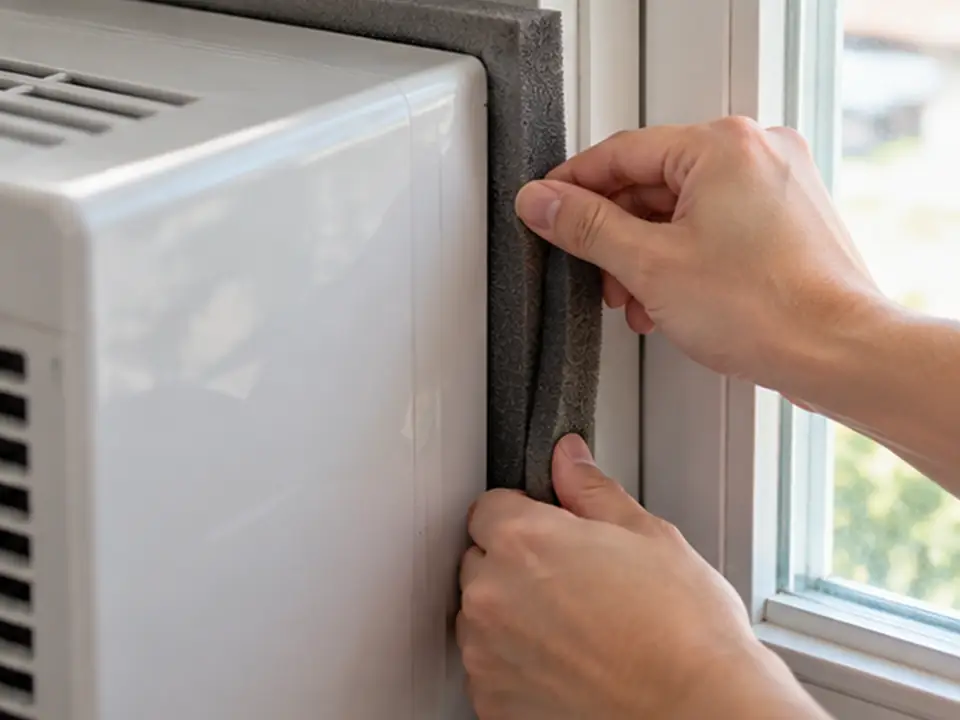
- Seal the window opening. Reduce gaps around the sash and side panels, but keep the drainage path and clearances specified by the manufacturer.
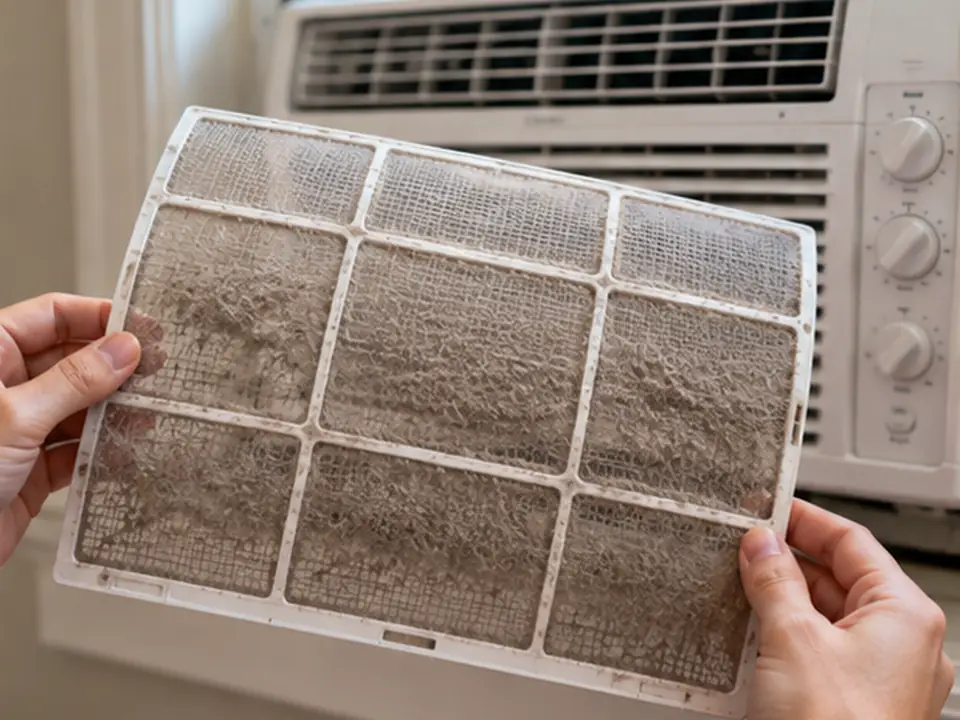
- Clean the accessible filter. Follow your model’s instructions. A dirty filter restricts airflow and can contribute to weak cooling or ice.
- Block unwanted sunlight. Use suitable blinds or shades, but never block the AC’s indoor or outdoor air openings.
- Try Energy Saver once the room is cool. Check whether the fan cycles as expected and whether temperature or humidity becomes uneven before using it all day.
- Check the electrical supply. Use the outlet, grounding and circuit specified for the model. Do not rely on improvised extension cords, multi-outlet adapters or bypassed protection. The correct voltage, current and circuit requirements must come from the unit label and instructions, not a generic energy-saving tip.
When should you leave a window AC in normal Cool mode?
Use normal Cool if Energy Saver leaves uncomfortable warm spots or causes distracting fan cycling. More frequent airflow may help spread cool air around the room, but it does not always improve humidity control. On some units, a fan that keeps running after the compressor stops can evaporate moisture from the wet coil back into the room. Check both room temperature and humidity. If the room stays damp, review the unit’s operating instructions, sizing, and cooling-cycle behavior rather than assuming one mode is always better.
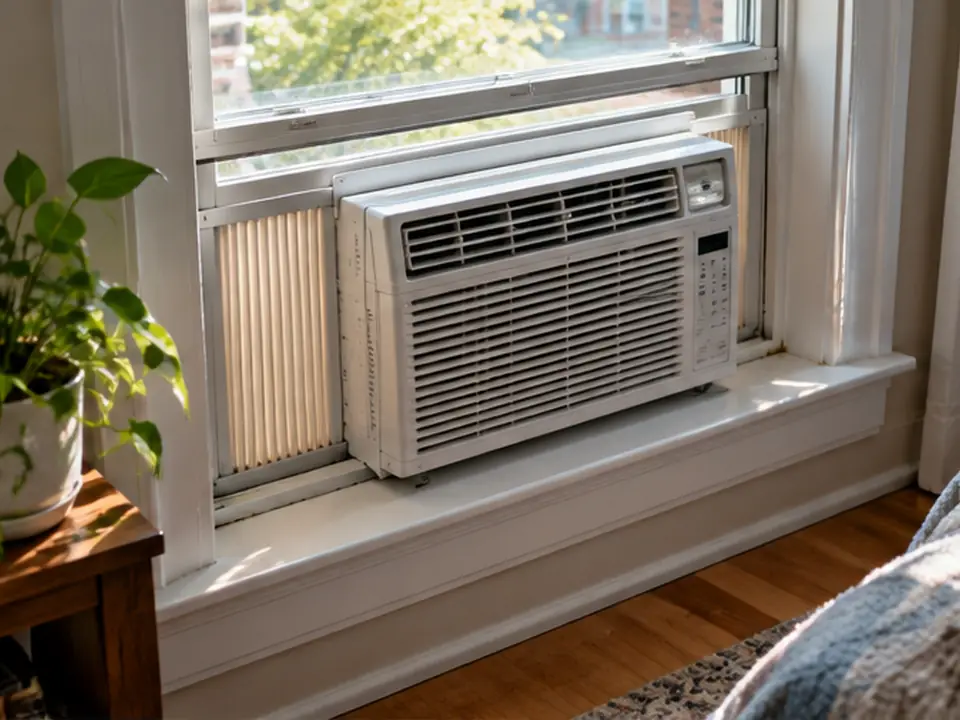
In a long room, Energy Saver may leave the far end warmer when the indoor fan stays off between cooling cycles. Furniture in front of the air outlet can make this worse. First clear safe obstructions, then compare temperatures near the unit and where people sit while keeping the same setpoint. If normal Cool spreads air more evenly without creating moisture problems, use it instead of forcing the thermostat much colder. Never block the louvers or alter the temperature sensor.
How Do You Save Energy With a Portable Air Conditioner?
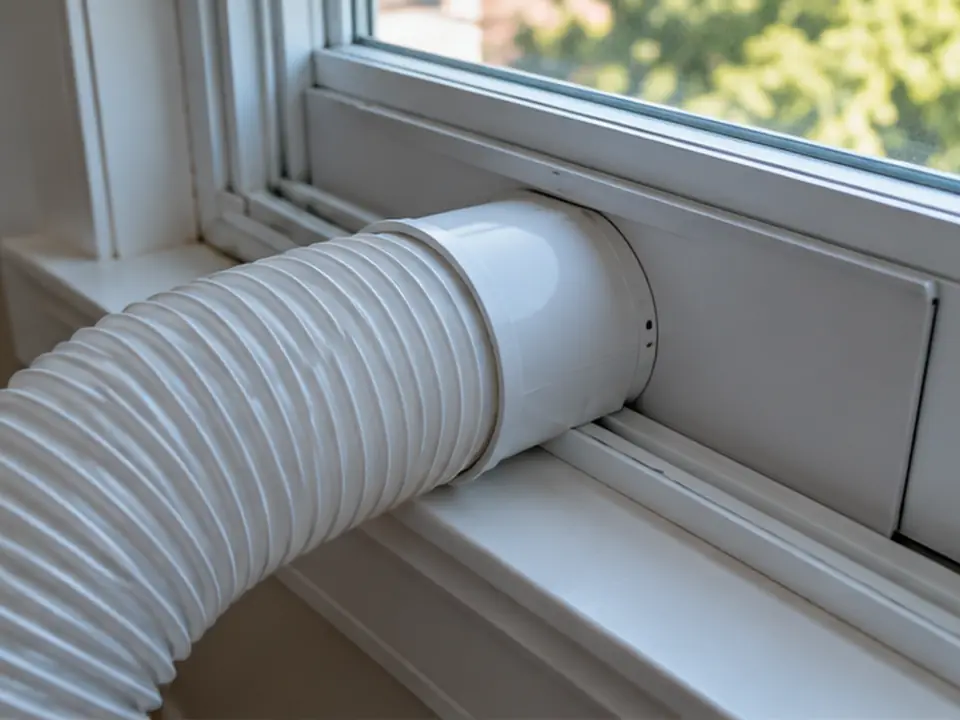
For a portable AC, the most useful first step is to keep hot exhaust air from leaking back into the room. Fit the window kit correctly, follow the approved hose route, and keep the air openings clear. Then compare the unit’s tested cooling capacity and efficiency. Its Eco button may work differently from a window unit’s Energy Saver mode, so check the manual.
A single-hose portable AC uses room air to cool its hot-side coil and sends that air outdoors. Replacement air may then enter through gaps around the room. On a hot day, a poorly fitted window kit plus that incoming warm air can add cooling load, so the compressor may run longer even with Eco on. A properly installed dual-hose design can reduce this pressure effect, but that does not prove every dual-hose unit uses less electricity. Follow the approved kit and hose instructions, keep openings clear, and check room comfort and whole-unit kWh. The exhaust hose also releases heat into the room, so follow the approved hose length and routing instructions without blocking it.
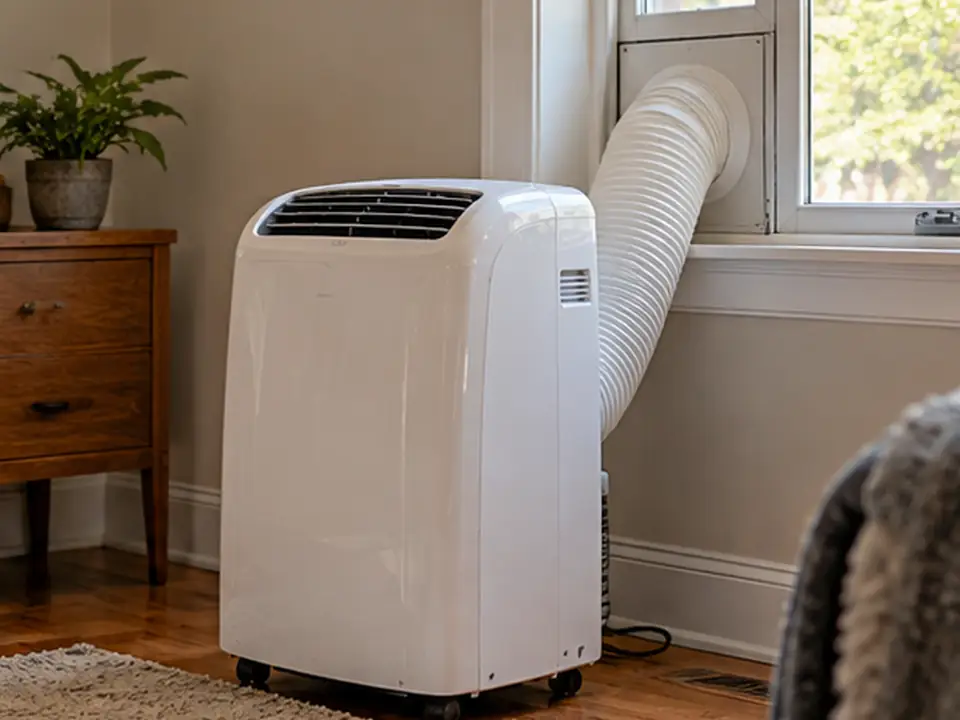
- Seal the window adapter. Close unwanted gaps around the kit while leaving all designed intake and exhaust openings clear.
- Follow the hose instructions. Avoid tight bends and unapproved extensions or coverings. Keep the required clearances.
- Handle condensate as directed. Some conditions require emptying the tank or using approved drainage. Never bypass an overflow shutoff.
- Compare tested capacity. In the U.S., seasonally adjusted cooling capacity (SACC) describes portable AC cooling output under a defined test procedure, which accounts for effects such as air infiltration and exhaust heat transfer. The applicable tested efficiency rating is a different measure: it describes energy efficiency, not how much heat your particular room adds. Compare current ratings from the same portable-AC test method and comparable test conditions. A high advertised BTU/h figure, or SACC alone, cannot guarantee lower bills or enough cooling in a sun-exposed room. Window, portable and split AC labels are not interchangeable.
Does a portable AC’s Energy Saver mode guarantee lower bills?
No. It may change fan speed, compressor behavior, a schedule or the setpoint, and none guarantees a specific saving. If the room stays hot because the portable unit is poorly vented or undersized for the load, the compressor may run nearly continuously even while the Eco symbol is displayed.
A portable AC may be useful when you cannot install a window unit or need to move the appliance. If the AC will stay in one place and you can install other equipment, compare a correctly sized window or split system too. Portability does not, by itself, mean lower electricity use.
Do Inverter and Central Air Conditioners Save Energy the Same Way?
No. An inverter AC can slow or speed up its compressor to better match how much cooling the room needs. On many central AC systems, the thermostat’s Fan Auto setting instead tells the indoor blower to stop between cooling calls. One changes compressor operation; the other mainly changes fan operation. Actual electricity use still depends on the equipment and installation.
An inverter can run at a lower compressor output when the room needs less cooling. That can reduce repeated full-power starts and stops in suitable conditions. But the inverter label alone does not tell you annual savings. Compare the relevant seasonal efficiency rating, the model’s operating range, the cooling load and the installed system. If the unit cannot run at a low enough output, it may still cycle on and off.
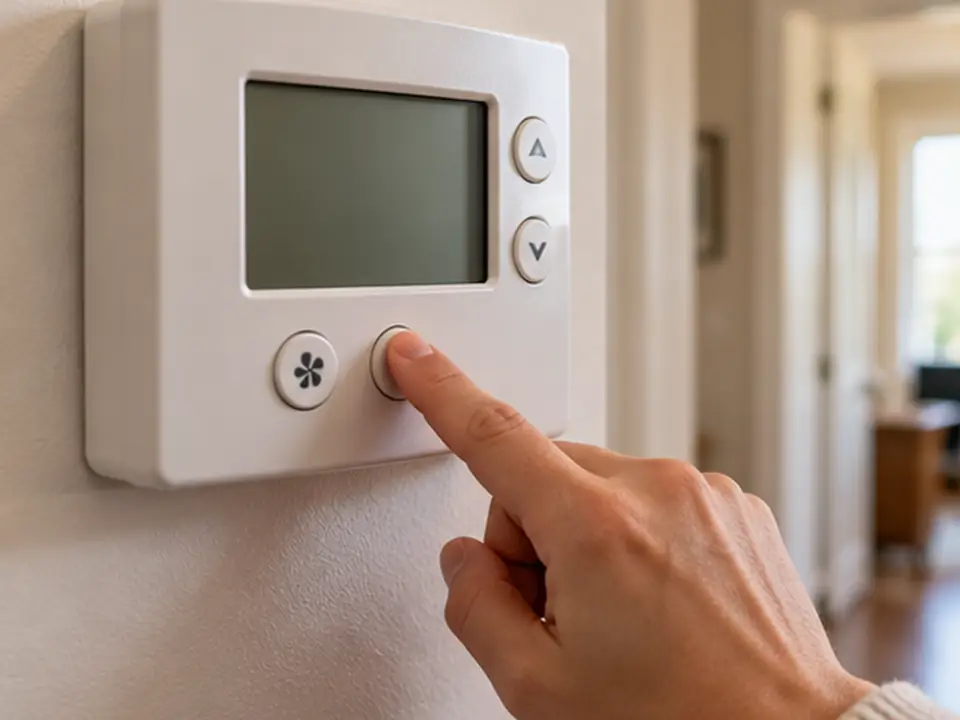
On a central AC thermostat, Fan On can keep the blower running even when the compressor is off. Fan Auto usually lets it stop between cooling calls. Some systems need continuous airflow for filtration or ventilation, so check the system instructions before changing it. Leaky ducts, dirty filters, low airflow or a poorly placed thermostat can waste more energy than a small fan-setting change saves.
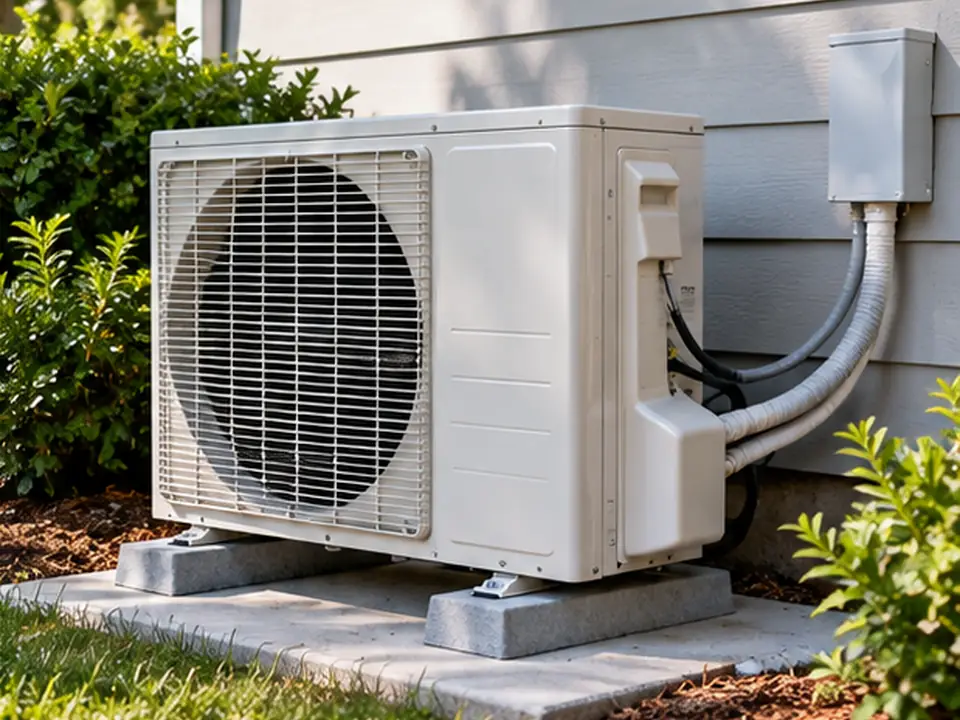
If you are replacing an AC, first check the cooling load your space needs on its hottest relevant design days. Compare tested ratings only within the equipment category and applicable rating method: CEER is a combined efficiency measure used for certain room and portable ACs, while SEER2 is a seasonal efficiency measure for covered central and split systems in the U.S. Those numbers use different tests, so do not compare them directly. Neither rating guarantees your actual electricity bill; installation, duct leakage where applicable, control settings, weather and running hours still matter. Check that the installation and controls keep both temperature and humidity comfortable. An Eco button alone is not a measure of whole-system efficiency.
How Can You Check Whether Your Aircon Is Actually Saving Energy?
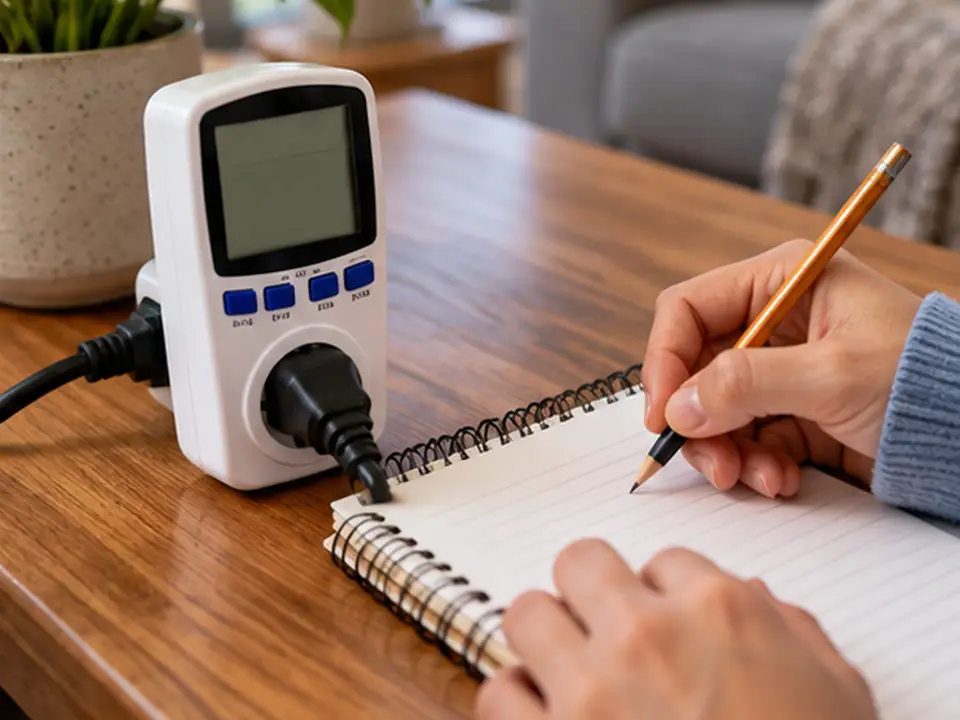
Measure the electricity used by the whole air conditioner in kWh, not just the fan. Compare periods with similar weather and room use, and note whether the room stays comfortable. For some small plug-in units, a power monitor may be suitable only when its rating and the manufacturer’s instructions specifically allow the load, including starting current. Never use an unapproved plug adapter on a large or hardwired AC.
- Write down how the AC normally runs. Record the mode, set temperature, fan setting, hours, outdoor weather, room temperature and, where relevant, humidity.
- Measure electricity safely. Use the utility meter, a suitable manufacturer energy display, or another approved metering method. For hardwired equipment, use qualified help.
- Change only one setting. Compare Energy Saver with normal Cool while keeping the setpoint, room use, and doors and windows as similar as practical.
- Repeat the check. One afternoon can mislead you because sunlight, start-up load, people and humidity change. Compare several reasonably similar periods.
- Check comfort as well as kWh. Look for hot spots, excess humidity, or longer compressor run time. Lower consumption is not a useful gain if the room no longer meets its comfort or moisture needs.
For test periods of the same length, subtract the whole-unit kWh measured in Energy Saver mode from the kWh measured in normal Cool mode. A positive difference means Energy Saver used less electricity during those measured periods; zero or a negative difference means the test did not show a saving. However, lower kWh does not prove a like-for-like saving if the room started at a different temperature or humidity level, or if one mode left the room noticeably warmer or damper. Compare similar starting conditions, outdoor weather, room use, and acceptable final room temperature and humidity in both modes. If those conditions are not comparable, repeat the test instead of treating the difference as a proven saving at equivalent comfort.
A fan-only estimate describes electricity the fan might avoid; it is not a measurement of whole-AC savings. Measure the entire unit first. To estimate electricity cost, multiply the measured kWh in each relevant period by the price that applies during that period. If your tariff changes by time of day, or includes demand or fixed charges, a single flat kWh price will not reproduce the total bill. Compare both comfort and whole-unit energy use before claiming the setting saved money.
A few comparable test periods can help you choose a mode, but they cannot establish a full-season savings estimate across different outdoor conditions and cooling loads.
What Should You Check If Energy Saver Feels Hot, Humid, or Stops Working?
A fan that stops after the compressor shuts off may be normal in Energy Saver mode. But if the room never reaches the set temperature, the coil ices up, or humidity stays high, do not assume the Eco setting is the only cause. Check the safe basics first and arrange service when needed.
| What you notice | What may be happening | Safe first check |
|---|---|---|
| Fan stops sometimes, but the room stays comfortable | Normal fan cycling | Compare the behavior with the manual |
| Fan does not resume when cooling is needed and the room keeps warming | A control, airflow or equipment fault may be present; this is not proof of normal Energy Saver operation | Check the selected mode and manual or displayed fault code. If cooling does not resume, stop and arrange qualified service. |
| Parts of the room feel warmer | Too little air movement or a blocked outlet | Clear accessible airflow obstructions and try normal Cool. Compare temperatures at the same occupied spots and setpoint under similar conditions. If distant spots remain warm, investigate airflow distribution and room heat load instead of repeatedly lowering the setpoint. |
| The room stays hot while the compressor runs | High heat load, wrong size, dirty filter or a fault | Check the setpoint, accessible filter, direct sunlight, and required outdoor airflow clearance; check window or exhaust sealing where applicable. If cooling is still inadequate after safe checks and reasonable running time, arrange qualified diagnosis rather than assuming Eco mode is the cause. |
| The room feels cold but damp | Moisture is not being removed well enough | Measure indoor humidity and observe whether cooling cycles are short. Check the model manual for Dry-mode behavior, if available. If dampness persists, arrange an assessment of sizing, airflow and moisture loads; changing fan mode alone may not solve it. |
| Ice or unusual noises appear | Airflow, refrigeration or other service problem | Stop cooling and arrange suitable service |
For a symptom-by-symptom safe check order beyond Eco settings, use our air conditioner not cooling troubleshooting guide to separate airflow, controls, room heat load, and service-only faults.
Do not repeatedly restart a frozen unit, bypass electrical protection, open sealed refrigerant piping or add refrigerant by guesswork. A refrigerant system must be assessed using correct procedures by an appropriately qualified technician. If the unit has a documented fault code, use the manufacturer’s troubleshooting guidance rather than applying generic Eco-mode assumptions.
Frequently Asked Questions
Does Energy Saver make an air conditioner cool more slowly?
It may make areas far from the AC feel warmer because the fan moves less air between cooling cycles. That does not necessarily mean the compressor cools less. Check the temperature around the room and compare how your model runs with the manual.
Will a new energy-efficient AC always save a fixed percentage?
No. A newer AC may use less electricity, but the result depends on both models’ tested efficiency, cooling capacity, installation, local weather and running hours. Compare the relevant ratings and realistic electricity use before claiming a percentage saving.
The Bottom Line: When Does Energy Saver Mode Help?
Energy Saver can reduce electricity use when it cuts unnecessary fan running time or changes cooling operation in a useful way. The benefit depends on how your model works, how much cooling the room needs, and whether temperature and humidity remain comfortable. For window ACs, check fan cycling and room comfort. For portable and inverter units, read the specific mode description instead of assuming the same button works the same way. The most reliable way to judge savings is to compare whole-unit kWh under reasonably similar conditions—not a promised percentage on the remote or the box.
To test your unit, first check what its Energy Saver setting controls. Then try it at the same comfortable setpoint while watching for warmer spots or excess humidity. Finally, compare whole-unit kWh over several reasonably similar periods. Keep the mode only if it reduces electricity use without undermining comfort or safe operation.
Questions About Air Conditioner Options for Your Project?
If you are comparing AC options for a project, share the application, expected cooling demand if known, power supply, and applicable local requirements. These details help frame a useful discussion. Check the current model’s published capacity, efficiency, and compliance information before making a final decision.