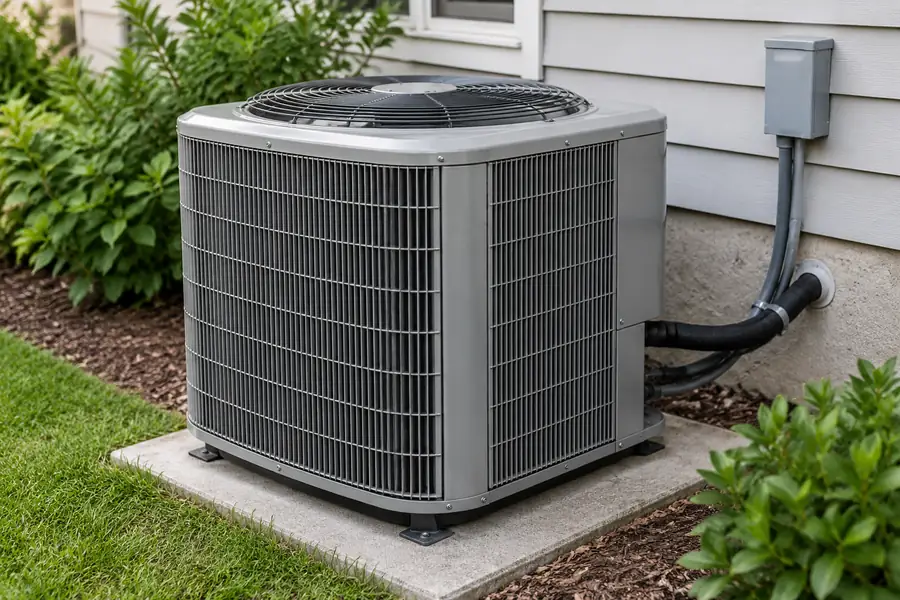
Quick answer: The 3-minute rule for AC is a short compressor restart delay after the unit shuts off. It helps reduce rapid restarts under unfavorable operating conditions. Depending on the thermostat and AC model, the wait may be about three minutes, five minutes, or part of a longer control sequence.
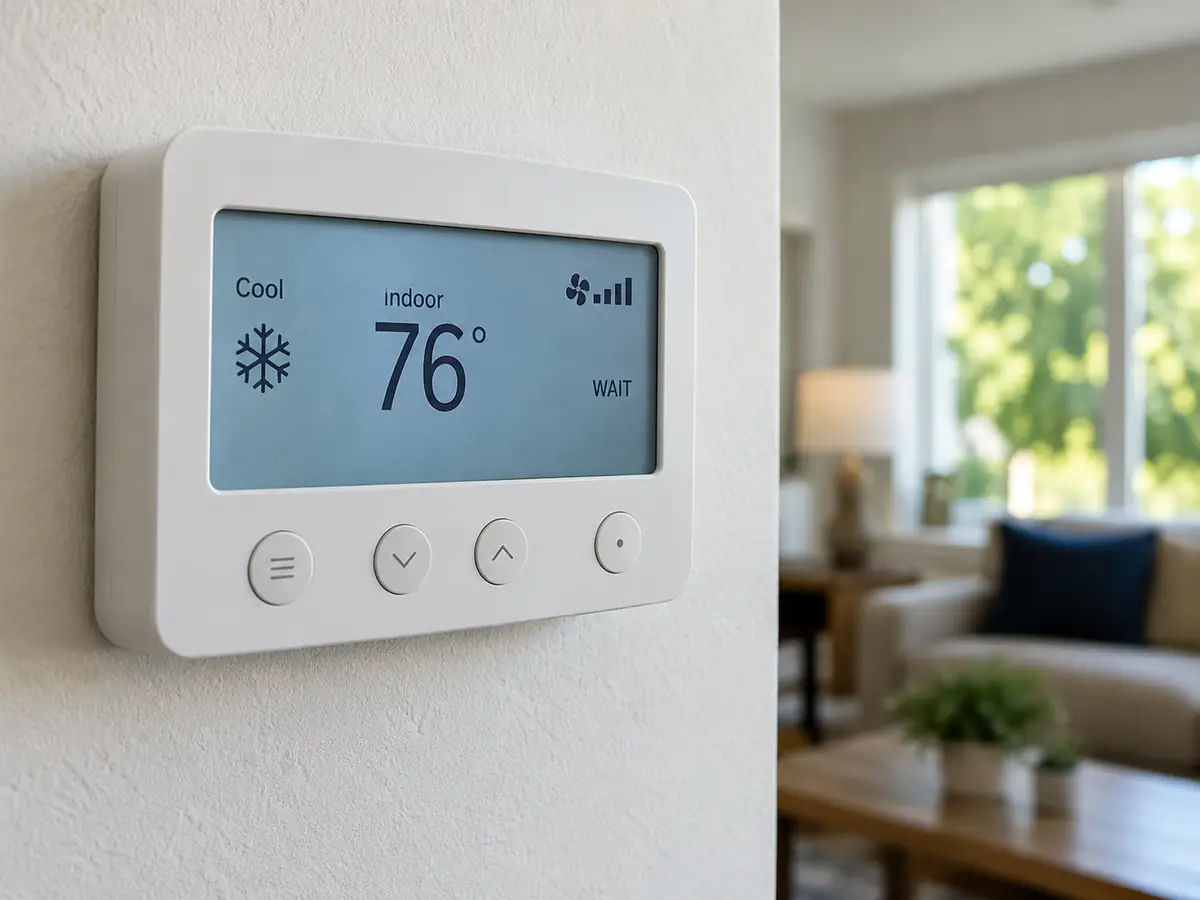
If your thermostat flashes “Cool On” or shows “Wait,” leave the settings unchanged and allow the model’s specified delay to finish. Cooling that resumes afterward is normal. If cooling never resumes or a breaker trips, use the checks below.
- Normal: Cooling resumes after its expected wait.
- Check: The wait ends, but the unit still does not cool.
- Stop: A breaker trips, smoke appears, or faults repeat.
What Is the 3-Minute Rule for an Air Conditioner?
The 3-minute rule is a short protective pause before an AC compressor can restart. After shutdown, the thermostat or unit controller may hold the compressor off while cooling is requested again. The indoor fan can still run during this wait.
Swipe sideways to see the remaining table columns.
| What you see | What it usually means | Next safe action |
|---|---|---|
| “Wait” or “Cool On” flashes just after shutdown | On some models, the thermostat is holding the compressor off | Leave the controls unchanged for the documented delay |
| Indoor fan runs; outdoor unit is quiet briefly | Fan and compressor may operate separately | Confirm Cool mode and allow the startup sequence |
| The expected delay ends, but there is no cooling | A setting, power, controller or equipment issue may be present | Record the display and check user-accessible items; seek service if unresolved |
| Breaker trips, burning smell or smoke occurs, or a fault repeats | A safety warning or active fault | Stop restarting and request qualified service |
A thermostat request for cooling, indoor fan movement, and an actual outdoor compressor start are three separate events. Watch what happens after the expected wait. The next section explains why the compressor pauses; the timing examples explain the difference between three and five minutes.
Why Does an AC Compressor Have a Restart Delay?
An AC compressor has a restart delay to prevent rapid repeated starts that can put extra mechanical and electrical stress on the compressor and its motor. The thermostat, outdoor-unit controller, or both hold the start request until the required waiting time and other protection checks are satisfied.
What happens during a restart delay?
- The compressor stops. Cooling may stop because the room reaches the set temperature, the mode changes, or the unit shuts down.
- Cooling is requested again. The thermostat or equipment controller asks for compressor operation.
- Protection conditions are checked. A minimum-off timer and any active safety or fault conditions govern whether a start is allowed.
- The compressor starts when permitted. If all required conditions are met, normal cooling can resume.
Important: A timer ending means the minimum wait has passed. It does not guarantee an immediate start if another protective condition is active.
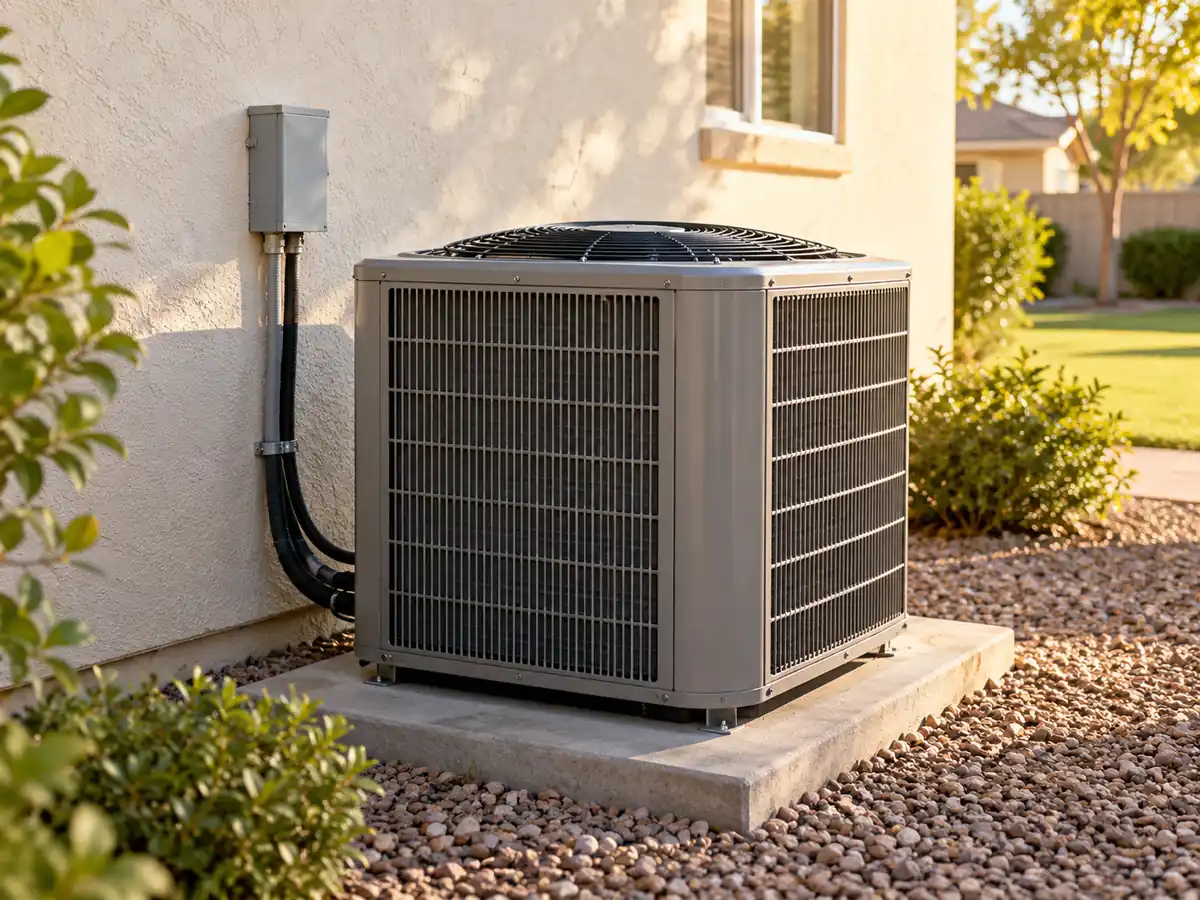
A running compressor creates a pressure difference in the refrigerant circuit. After shutdown, those pressures start to change. Restarting too soon under an unfavorable load can increase mechanical or electrical stress. Different compressor and controller designs use different starting conditions; full pressure equalization is not required by every design.
Minimum off time and minimum run time are different
Minimum off time is how long the compressor must stay stopped before another start is permitted. Minimum run time is how long it must operate before a normal stop is allowed. Some controllers also limit starts per hour or stage a restart after a power interruption. Each control serves a separate purpose.
Is the AC Delay 3 Minutes or 5 Minutes?
Both three minutes and five minutes are valid for different AC systems. The thermostat, outdoor equipment, and reason for shutdown determine which restart delay runs. The two manufacturer examples below show how to check the correct value.
Swipe sideways to see the remaining table columns.
| Verified example | What triggers or controls the delay | What you should do |
|---|---|---|
| About 3 minutes — Daikin troubleshooting guidance | Immediate restart after stopping or an operating-mode change in the cases described | Allow about three minutes for those Daikin situations; confirm the specific model |
| 5 minutes — Resideo / Honeywell Home T6 Pro manual | Compressor-protection wait; “Cool On” or “Heat On” may flash for covered T6 Pro models | Wait five minutes when that model shows the protection message |
| Another sequence — model-specific equipment logic | Another safety limit, fault lockout, defrost or power-recovery condition can remain active | Consult the actual unit and controller instructions; do not keep resetting it |
Manufacturer documentation: Daikin troubleshooting describes an approximately three-minute wait in certain immediate-restart and mode-change situations. The Resideo T6 Pro user manual describes a five-minute compressor-protection delay for its covered models. Both the thermostat and outdoor controller can affect actual startup.
When should you become concerned?
If the model’s specified wait has finished and cooling has not resumed, check Cool mode, the temperature setting, and any error message. Repeated protection faults or breaker trips call for professional service.
Why Does My AC Take Three Minutes to Start?
Your AC can take about three minutes to start because its controller delays a compressor restart after a recent stop. This protects the equipment from starting again too quickly. Some systems use a five-minute wait, as shown in the manufacturer timing examples above.
What Does a Flashing “Cool On” Mean?
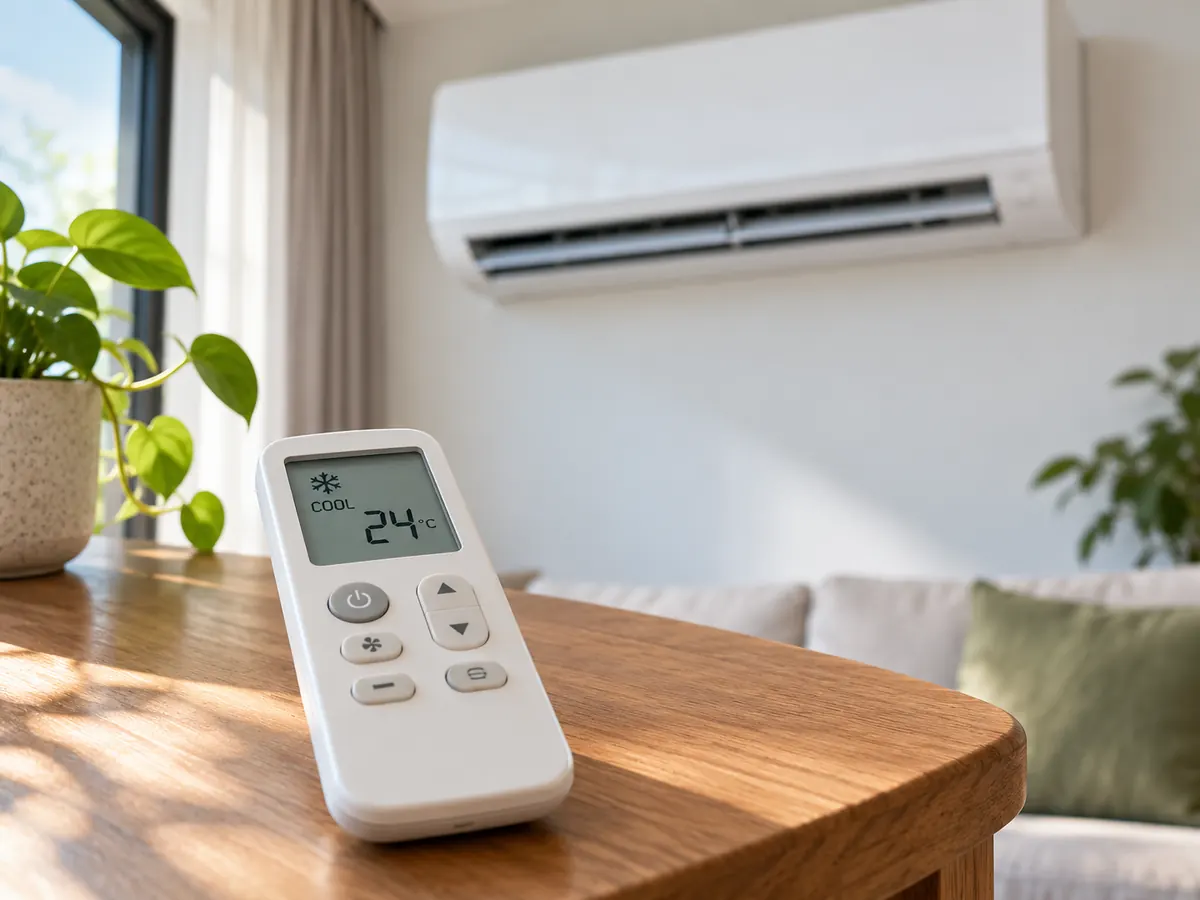
On thermostats that use this message, a flashing “Cool On” usually means cooling has been requested while compressor startup is on hold. The Resideo T6 Pro manual, for example, describes a five-minute protection delay with a flashing message. If the display clears and cooling starts after the expected wait, the startup is normal.
- “Wait” or another icon: Look up the message in your thermostat instructions to see which timer or operating state it shows.
- Indoor fan running, outdoor unit off: The fan can circulate air while the compressor remains in its restart delay.
If the message stays active beyond the specified delay or cooling does not begin, note the display and follow the safe troubleshooting steps.
If the fan runs but the outdoor unit does not
First check that the system is in Cool rather than Fan mode and that the target temperature is below the room temperature. If the outdoor unit stays off after the normal control sequence, an equipment fault, lockout or missing start signal may need professional diagnosis.
What Should You Do When the AC Will Not Restart?
If there is no electrical warning or repeated fault, first let the AC finish its specified restart delay without changing the controls. Then select Cool, set the target temperature below room temperature, and check the thermostat for an error message. If cooling still does not start, record the symptoms and request service. For smoke, a burning smell, or repeated breaker trips, stop attempting a restart immediately.
Safe checks you can do
Follow these steps in order once the unit is safe to check:
- Give it the documented wait. Leave the controls unchanged after a recent stop, mode change or restart request.
- Confirm cooling is requested. Select Cool and set the target temperature below the measured room temperature. Check whether the display is showing a wait or fault message.
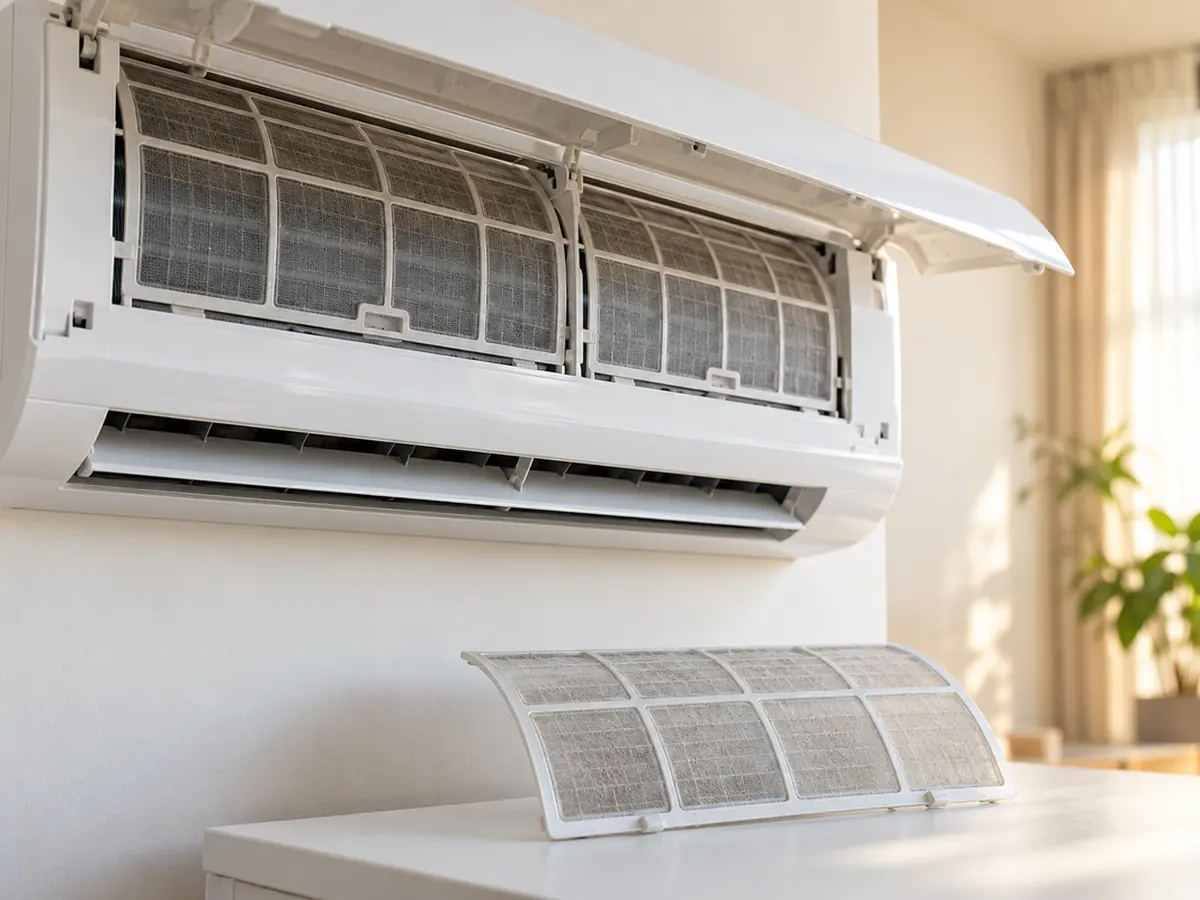
- Check accessible airflow. Look for blocked supply or return openings and check a user-serviceable air filter only as described in the equipment manual.
- Record what happens. Note the model, display message, time since shutdown, fan operation and visible fault code. If several units share a building, record which one is affected.
When to stop and request qualified service
Swipe sideways to see the remaining table columns.
| Observation | Safe next step |
|---|---|
| Breaker trips again, smoke or a burning smell appears | Stop restarting; do not open the electrical cabinet. Arrange qualified inspection |
| Protection fault repeats or the compressor makes an unusual new noise | Leave the fault information available and request service |
| Delay ends, cooling is still requested, but the unit will not start | Share the model, display, timing and basic checks with a technician |
Do not bypass protective controls, bridge relays, test live voltage or handle refrigerant circuits. Professional testing may involve the thermostat output, outdoor control board, electrical supply, protective devices and compressor conditions; these are not household troubleshooting steps.
Is a Three-Minute Delay the Same as AC Short Cycling?
No. A normal restart delay is a planned pause; AC short cycling means the compressor repeatedly runs for an unusually short time and shuts off again. The timer spaces out restart attempts. Repeated short runs call for checking why the equipment stops early.
Swipe sideways to see the remaining table columns.
| What happens | What it can mean | Useful next action |
|---|---|---|
| System stops normally, waits, then restarts | Ordinary minimum-off protection | Observe one complete cycle |
| Compressor repeatedly runs for a short time, then stops | Possible short cycling; load, airflow, controls or protection may be involved | Record run time, off time and any fault; arrange diagnosis if it continues |
| Compressor runs, but the room stays warm | Cooling-performance issue, not necessarily a restart-timer issue | Check settings and accessible airflow; seek performance diagnosis |
| A protection code stops operation | Fault or safety lockout, not the simple three-minute wait | Preserve the exact code and request model-specific service guidance |
Repeated short runs can be linked to oversizing, restricted airflow, thermostat location, sensor problems, or protective trips. Record each run time, the following off time, and any displayed error code. A technician can use that record alongside equipment tests to narrow down the cause.
If you are comparing replacement capacity rather than diagnosing a fault, see how to size an air conditioner. For compressor designs, see the scroll vs. reciprocating compressor guide.
Does the Rule Apply to Inverter and Fixed-Speed AC Units?
Yes. Both inverter and fixed-speed AC units can use compressor restart protection. A fixed-speed compressor typically cycles on and off; an inverter compressor can adjust speed while operating. If either stops, its next start follows the protection conditions set for that model.
Swipe sideways to see the remaining table columns.
| System or mode | What happens | Which rule matters |
|---|---|---|
| Fixed-speed AC | Compressor usually cycles between on and off for temperature control | Thermostat and outdoor-unit minimum-off instructions |
| Inverter AC | Compressor can vary speed, but may still shut down | Inverter drive, compressor and controller restart restrictions |
| Heat pump | Mode changes, heating operation or defrost can add control conditions | Model-specific heating/cooling startup instructions |
| Fan-only mode | The fan runs without asking the cooling compressor to start | Do not treat fan operation as a compressor restart |
| Non-compressor cooling devices | Some evaporative cooling devices do not use a refrigeration compressor | The conventional compressor restart rule does not directly apply |
For a simple explanation of variable-speed operation, read what an inverter air conditioner is. To determine the restart behavior, check the thermostat and outdoor-unit controls for the selected model.
What Happens After a Power Cut or Tripped Breaker?
After a power cut, your AC may restart automatically after a delay, remain off, or require manual action, according to its controls. A tripped breaker is different and can signal an electrical fault. If the breaker trips again, stop attempting to restart the unit and arrange qualified service. After a power outage, these are the four common recovery paths:
- Normal delay: A controller waits before it permits the compressor to start.
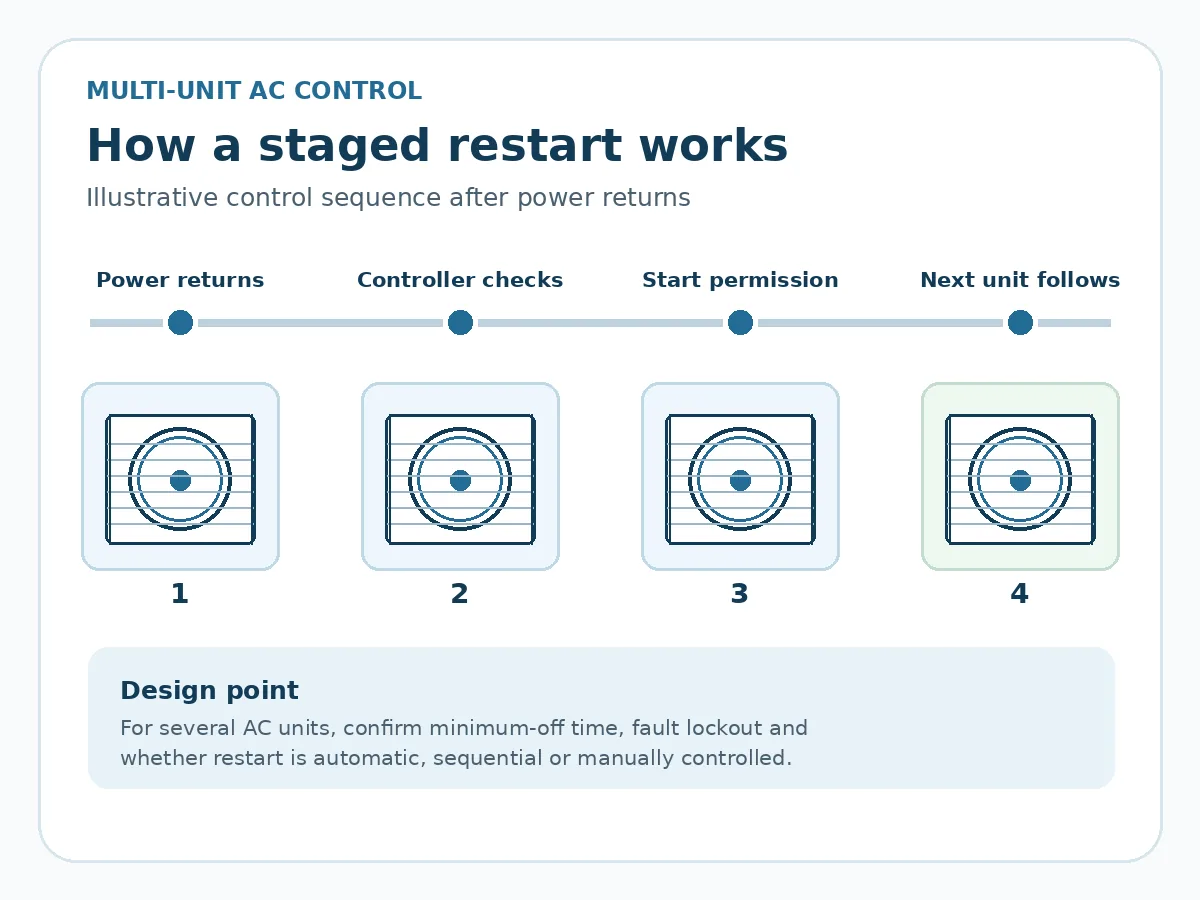
- Staggered restart: Units in a managed installation may restart in a planned sequence.
- Fault lockout: A protective condition prevents restart until addressed.
- Manual restart needed: Some equipment requires a user or service action after the event.
Keep a record of the outage or breaker-trip time and any displayed fault code. This helps the service team identify the recovery state and protection sequence.
For buildings with generators, transfer switches, or multiple AC units, coordinate restart timing with the site’s electrical capacity and control design. Use the unit’s documented recovery behavior when setting the restart sequence.
What Should Facility Managers and Equipment Buyers Check?
Before approving a multi-unit AC project, check five areas: minimum compressor off time (and starts-per-hour limits where specified), restart after power loss, fault lockout, building control compatibility, and electrical supply requirements. These determine how the units can restart safely and work with the site. Request the selected model’s control, installation, and commissioning documents to confirm the details in the table.
Swipe sideways to see the remaining table columns.
| Ask for this | Why it matters | Document to request |
|---|---|---|
| Minimum off time and any starts-per-hour limits | Helps avoid repeated rapid compressor starts | Product control manual or compressor application instructions |
| Power-restoration behavior | Shows whether the unit waits, restarts automatically or requires action | Commissioning / operating instructions |
| Fault lockout and service information | Helps distinguish a normal delay from protective shutdown | Fault-code list and service guide |
| Building management system (BMS) and restart staging | Shows how local thermostat calls interact with shared controls | Approved controller interface and sequencing information |
| Power supply and permitted operating conditions | Confirms the intended site and equipment match | Model electrical specifications and installation requirements |
Discussing a suitable Airproz product
Explore Airproz air conditioner product options, including the R32 inverter split AC series. For a proposed model, check restart limits, control interfaces, power-recovery behavior, electrical supply, and destination-market requirements in the relevant product and controller documentation.
Discuss compressor restart requirements for your Airproz AC project. Share your destination market, number of units, supply voltage, preferred model (if known), and any automatic restart or building management system (BMS) requirements. Request available model specifications, controller documents, and startup-sequence details. Contact Airproz about AC project requirements.
Frequently Asked Questions
Should I wait three minutes every time I change the temperature?
No. Changing the set temperature does not always restart the compressor. The delay matters when the compressor has stopped and the controls request another start. Let the AC manage that wait.
Does “Cool On” blinking mean my compressor is broken?
No—not by itself. On thermostats such as the Resideo T6 Pro, a flashing “Cool On” can mean compressor protection is active. Wait for the documented interval. If cooling does not resume, check the settings and any fault message.
Can I bypass the 3-minute restart timer?
No. Do not bypass the restart timer to force the compressor to start. Leave protective controls enabled; repeated power cycling or defeating safeguards can increase the risk of equipment damage.
Is a five-minute compressor delay better than three minutes?
Neither delay is automatically better. Some systems require three minutes; others require five minutes. Use the restart protection interval specified for the selected thermostat and outdoor unit.
Will waiting three minutes fix an AC that keeps switching off?
No. A restart delay spaces out compressor starts; it does not fix repeated shutdowns. Record how long the compressor runs, how long it stays off, and any fault messages so a technician can identify the cause.
Does fan-only mode need the 3-minute rule?
No. Fan-only mode runs the indoor fan without requesting compressor cooling. The compressor restart delay applies when the controls request the compressor to start.
Can both the thermostat and the outdoor unit delay a restart?
Yes. A thermostat and outdoor controller may each have protection conditions. Cooling begins once the necessary checks and delays have been satisfied.
What should I record before asking for service?
Record the model, thermostat display, time since shutdown, indoor fan operation, visible error codes, and breaker trips. Keep electrical cabinets closed and provide the notes to a qualified technician.
The Bottom Line on the 3-Minute Rule for AC
The 3-minute rule for AC is a protective pause before the compressor restarts. On many systems, waiting about three minutes is normal. Others use a five-minute delay or a different model-defined sequence.
When cooling resumes after the expected wait, the startup is working normally. When cooling remains off, a fault repeats, or the breaker trips, follow the safety checks and arrange service as needed. For multi-unit projects, confirm the selected equipment’s restart sequence before commissioning.